
Run data centre production on one live plan — Primavera stays the master.
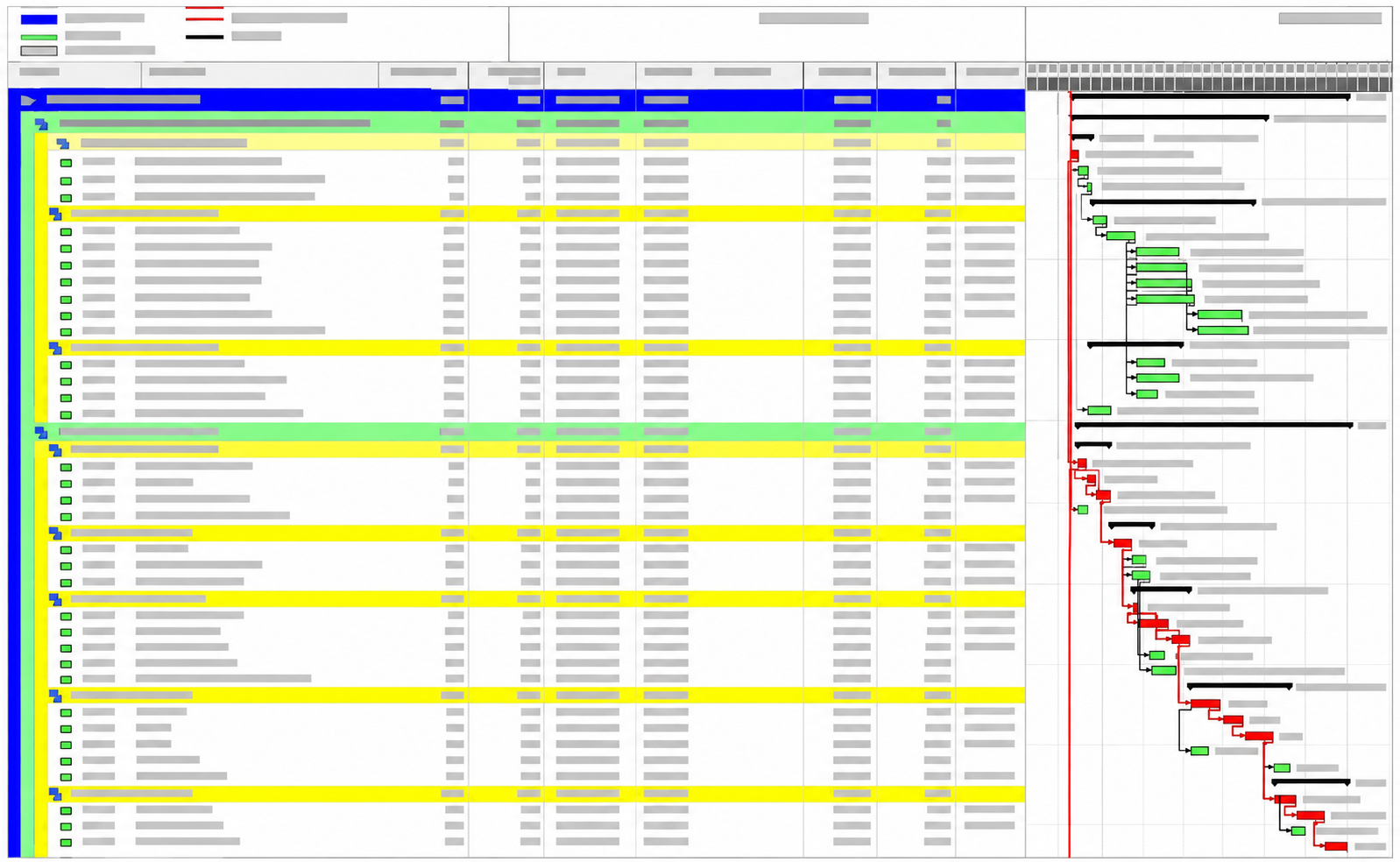
Primavera or MS Project keeps the contract schedule. Sitedrive runs the daily work underneath it - every hall, every trade, every shift - as one location-based schedule the whole site can actually see and use.
People call these projects “just a big warehouse" and “the most chaotic build I've been on"
Every week of delay costs real money, so the pressure never really lets up. After running schedules on a few of these projects, the same few things keep tripping people up — here's what actually helps.
Everything changes, all the time, on these projects. The instinct is to hold off on detail until it settles. Do the opposite — a detailed plan is the only thing that lets you actually see how a change ripples through the job. Without one, you're just watching a fuzzy picture go dark.
Extra shifts, more crews, more resources — all of that is much easier to scale back from than to bolt on in a hurry. Plan for the acceleration before you're forced into it.
Foundations move in small zones while the interior fit-out is already racing ahead in parallel. That makes access routes and material flow genuinely tricky — and it's usually the first thing nobody has time for. Plan it in from the start, not after it becomes a problem.
Names, colours, boundaries — sort these out early, and make sure everyone's using the same ones. Otherwise "I'll update it later" quietly turns into "well, everyone's still using the old zoning," and pretty soon nobody trusts the schedule at all.
More mechanical, electrical and cooling work per square metre than nearly any other building type — which just means the schedule underneath it all is genuinely huge, and needs a tool that doesn't fall over trying to hold it.
On a project moving this fast, a detailed plan is what lets you survive the rollercoaster of changes and demands, not what slows you down. That's the whole idea behind how Sitedrive works.
Keep Primavera for contract control. Use Sitedrive for delivery.
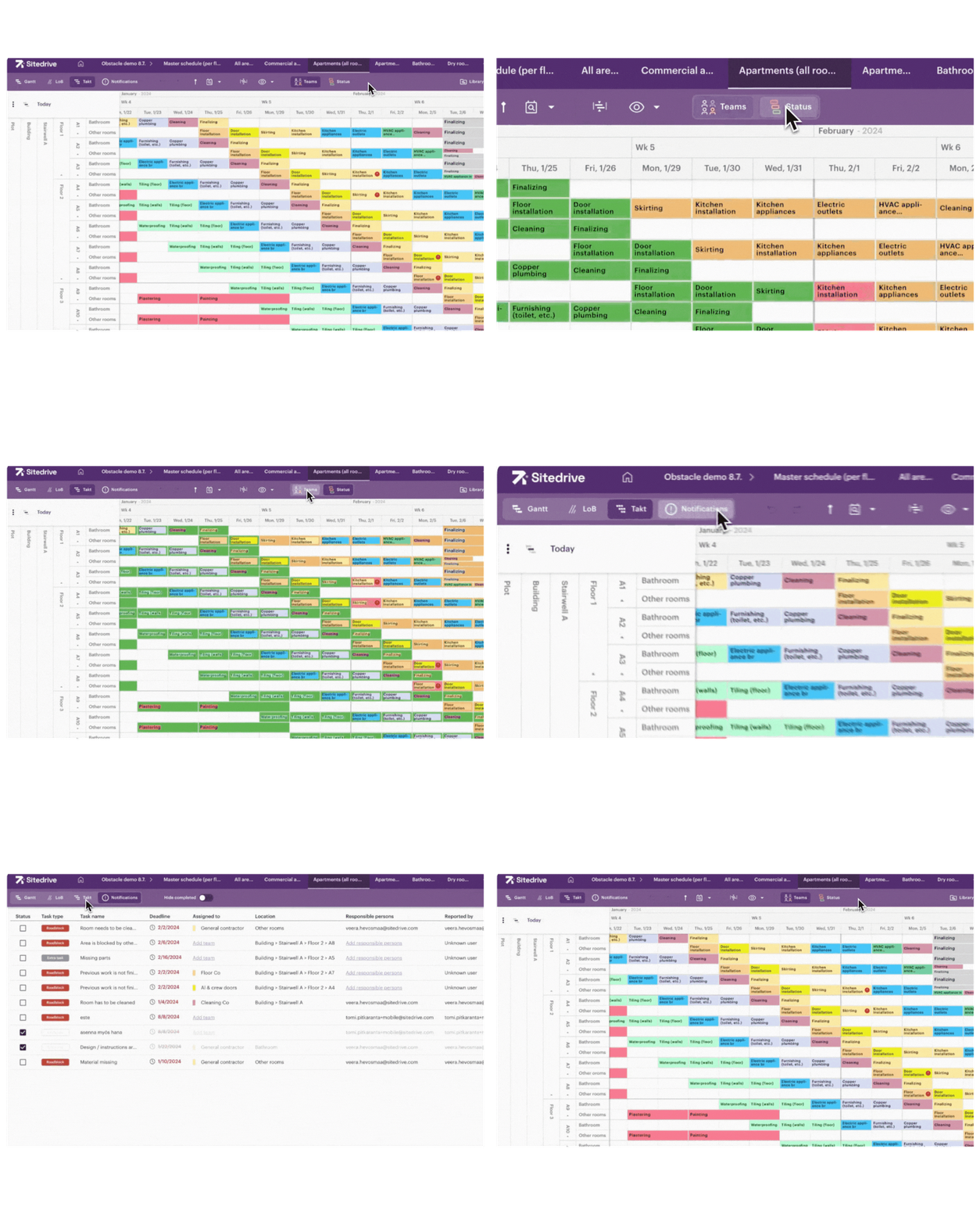
We didn't invent this split — it's just how the data-centre contractors we work runs things effectively.
Project structure, dates and locations come into Sitedrive. A live DC project is set up in hours, not weeks.
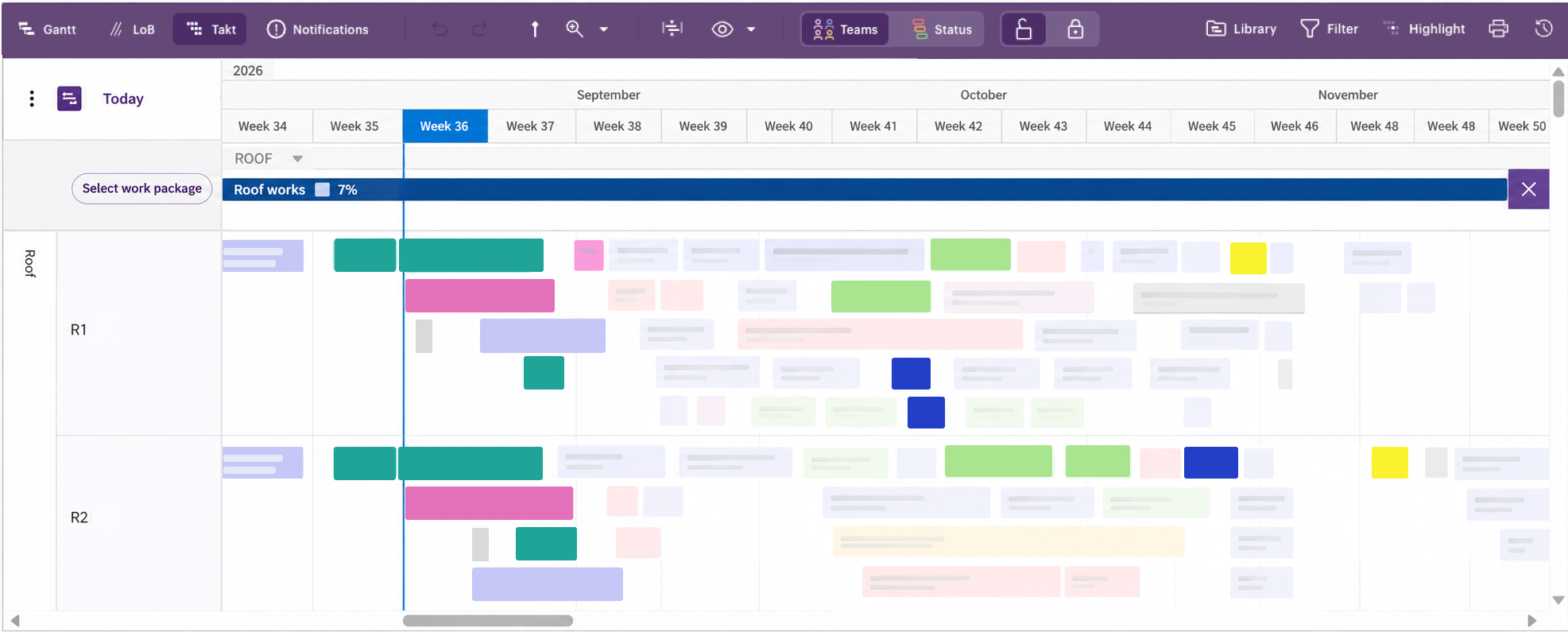
Who's doing what, in which hall, on which shift — down to a level of detail a master programme was never built to hold in the first plac
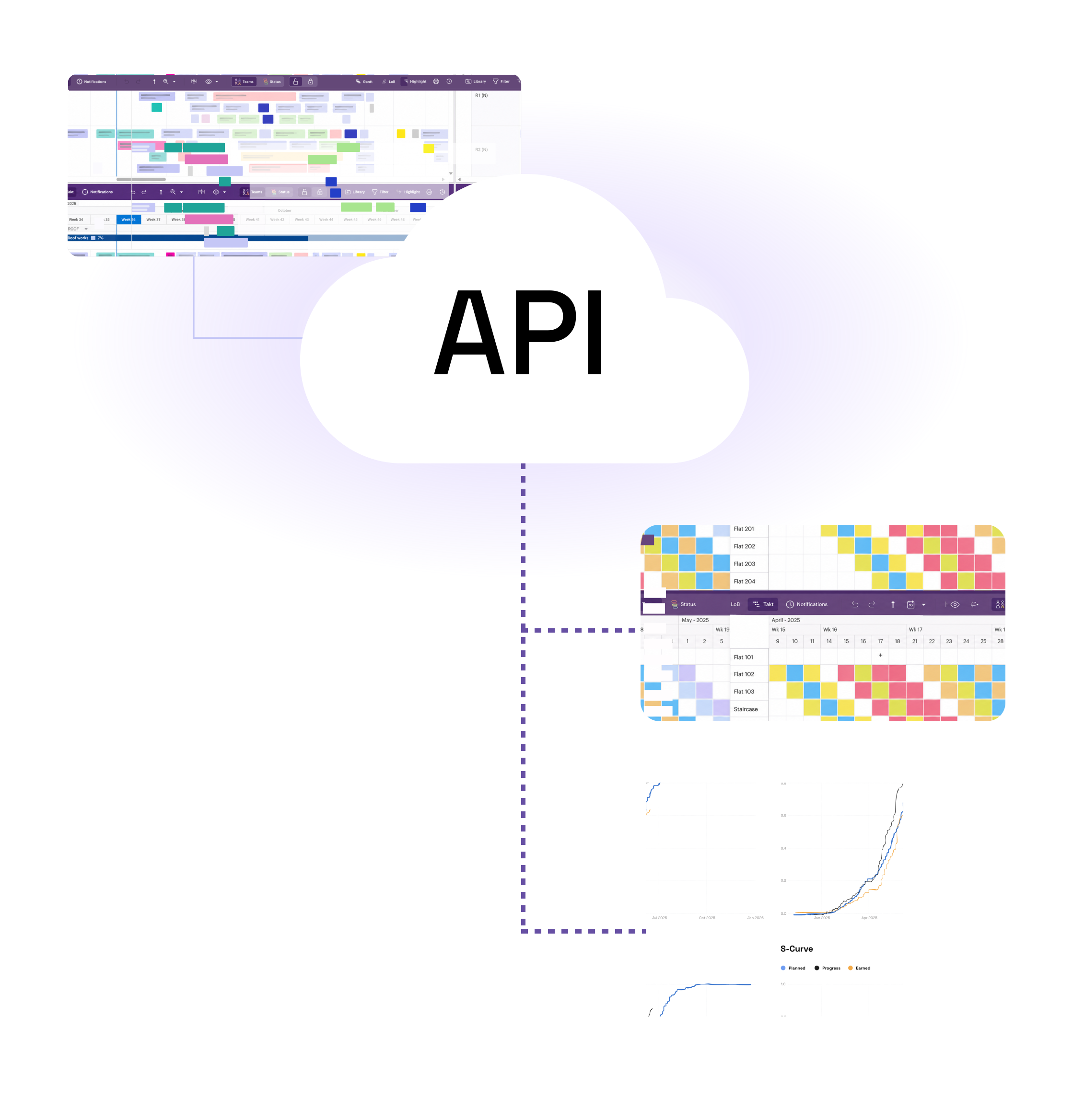
Progress and any agreed changes flow straight back. Nobody's chasing two versions of the truth, and the owner's milestones stay fed.
Progress and agreed changes go back
See trade conflicts before crews meet on site.
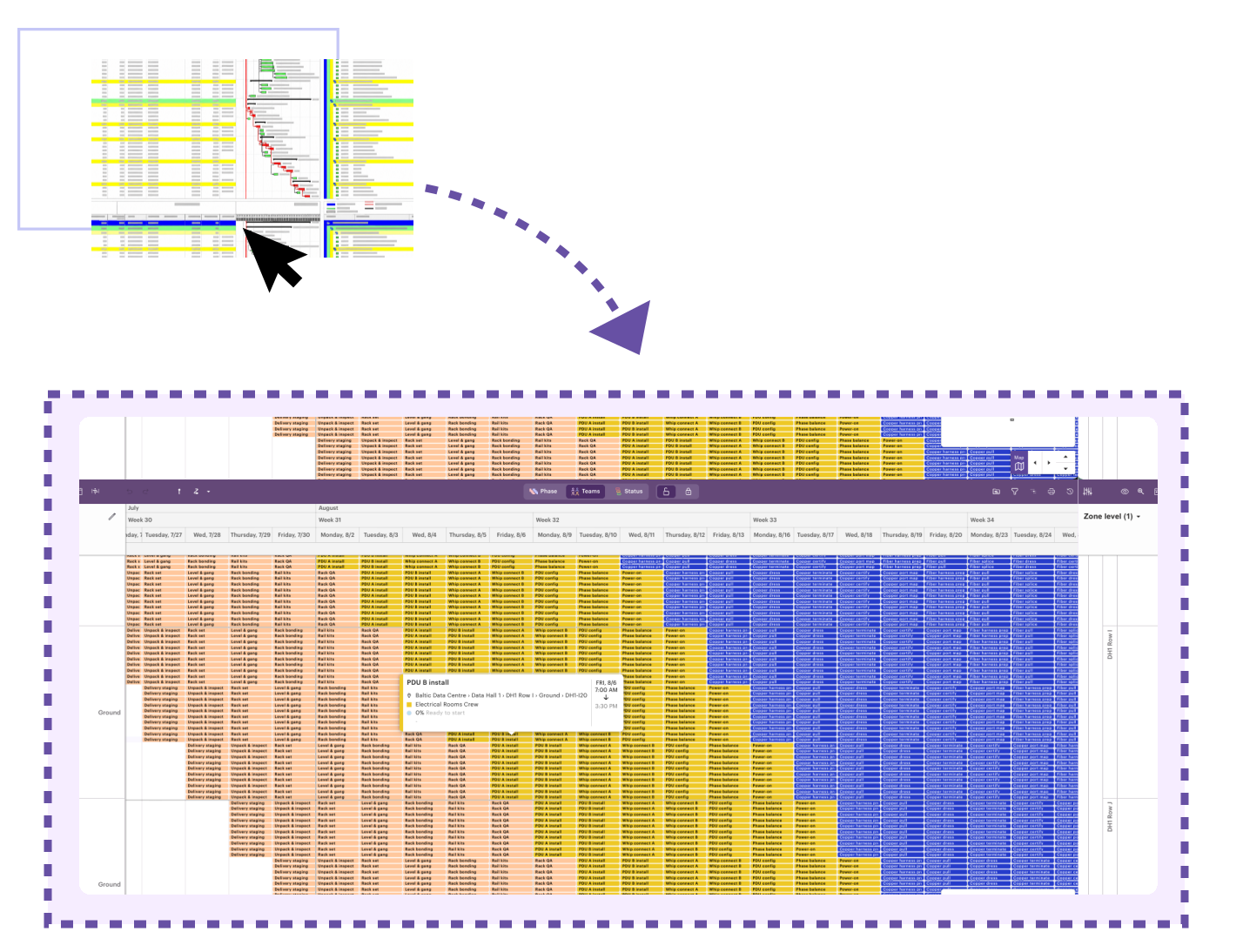
On a data centre, every trade divides the building differently. We plan it that way.
week 32
All trades stay in one schedule, laid over the same physical spaces. Sitedrive shows where teams need the same space, where a handover is missing, and which area isn't ready. On MEP-dense projects like data centres, these are precisely the conflicts a bar chart never shows.
Shorten the programme without turning the site into a traffic jam.
These programmes are compressed before you even start. Piling on more overlapping work is the easy part — knowing whether the site can actually absorb it is the hard part.
- Plan for the speed-up now, because you'll probably need it later — adding shifts and crews under pressure is much harder than scaling back from a plan that already expected it.
- Open up more areas crews can work in at the same time.
- Keep every crew moving to wherever's actually ready next, instead of standing around.
- See exactly when adding more overlap starts causing a jam, or breaks a handover — before it happens on site.
- Try the acceleration moves on the plan first, and see what actually happens, before you commit anyone to it.
Two crews land in the same area at the same time. The bar chart never tells you.
Each crew gets its own space, working at the same time without getting in each other's way.
One live plan. Everyone on it just sees their own slice.
From the hall floor to the project controls office, everyone's looking at the same live plan — just the bit that's actually relevant to them.
Crews see today's work, tick off progress and flag blockers right from a phone — in whatever mix of languages the site actually speaks.
A live screen in the site office shows exactly what's going on, by hall, trade, contractor or area — no more printed markup that's already out of date by lunch.
Progress and any agreed changes flow back automatically, so reporting stays accurate without anyone running a second, parallel system by hand.
These sites don't sleep — nights, weekends, whatever it takes — so the plan shouldn't pretend otherwise either.
This is the one you already got right — the sequences, durations and handovers that worked in practice, not just on paper.
Copy what worked straight into the next hall — same sequences, same durations, no re-deriving it from scratch.
Same teams, same handover logic — the same playbook again, not a new one every time.
Same structure, even across different sites and countries — so you can compare delivery and see where the standard isn't being followed.
Start the next hall with a plan that's already proven.
Data centres are a repeat business. What worked on the last hall shouldn't have to be re-figured-out on the next one — the sequences, the teams, the handover logic can just carry over.
Try it on one of your own live programmes.
We'll use one of your actual schedules, not a generic demo — that's literally how our current data-centre customers got started.
A real data-centre project, or even just a representative hall, is enough to get going.
We'll organise the work by hall, trade and work area, side by side with you.
Clashes, missing handovers, areas that could actually run in parallel — together, we'll find them.