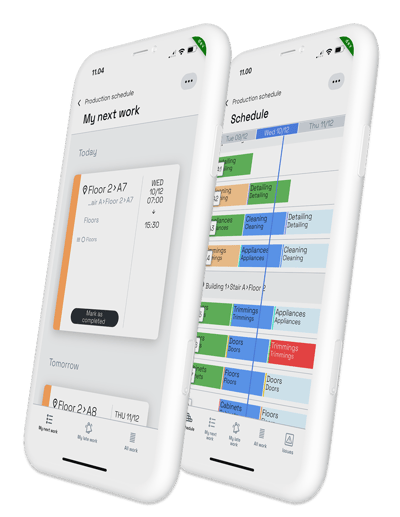
Install the app and keep production moving — straight from the jobsite.
Always have the schedule always in your pocket. Instantly check your next tasks. Update work progress on the run and save hours of time during meetings. Share a real-time schedule with subcontractors. Repot obstacles and observations much faster.
Choose your store and download Sitedrive Mobile on your phone.
Use the same email as in the web app.
Start working and updating the progress straight away!
See more detailed instructions on Mobile use on our knowledge base!
Share this on your screen at the next meeting – and have everyone install the app on their phone!
No. You can use the same credentials as in the web app.
As long as your company has a Sitedrive license, the app is free.
Yes. All Sitedrive licenses include unlimited amount of users. All users can use Sitedrive either via browser or through the mobile app.
Sitedrive Mobile works on iOs and Android.
Check to make sure you are using the correct email address.
You can confirm this by logging in to the browser version.
If you can't access that either, contact the admin of the project in your organisation – they can grant you the access to Sitedrive.
If the issue persists just on the mobile, contact our support via email at support@sitedrive.com and we'll help you out.
Download Sitedrive Mobile and make updates where the work actually happens.